
01
Your operations hub
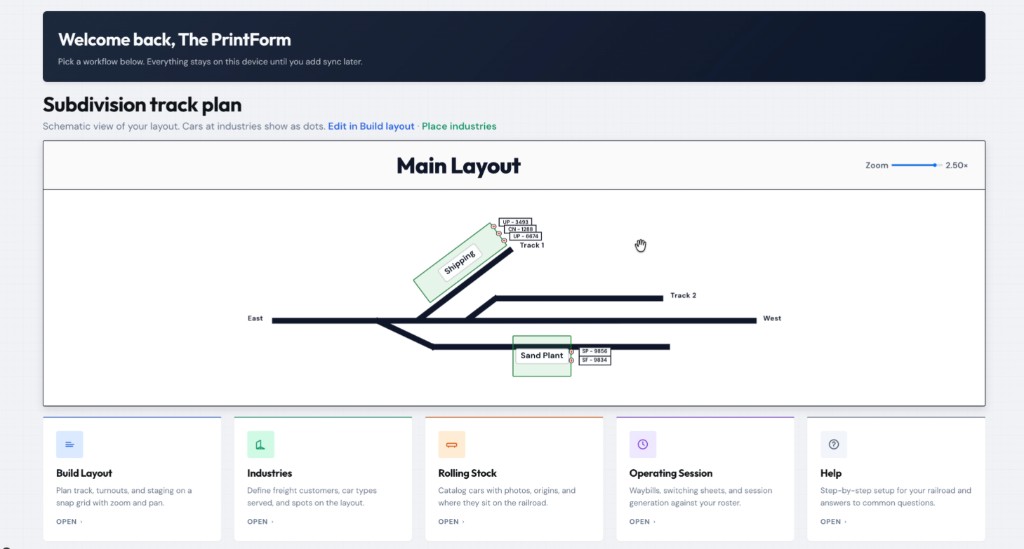
The home screen keeps your subdivision schematic, industries, and car spots in one view—then jump straight into layout building, rolling stock, or a session with one tap.
Model railroad operations
RailOps is a simple, easy-to-use operating system for model railroaders of all levels. Whether you run a small switching layout or a full railroad, it helps you organize and run realistic operating sessions with automatic waybills, switchlists, and car tracking—so you can spend less time managing paperwork and more time running your trains.
On the layout & on the screen
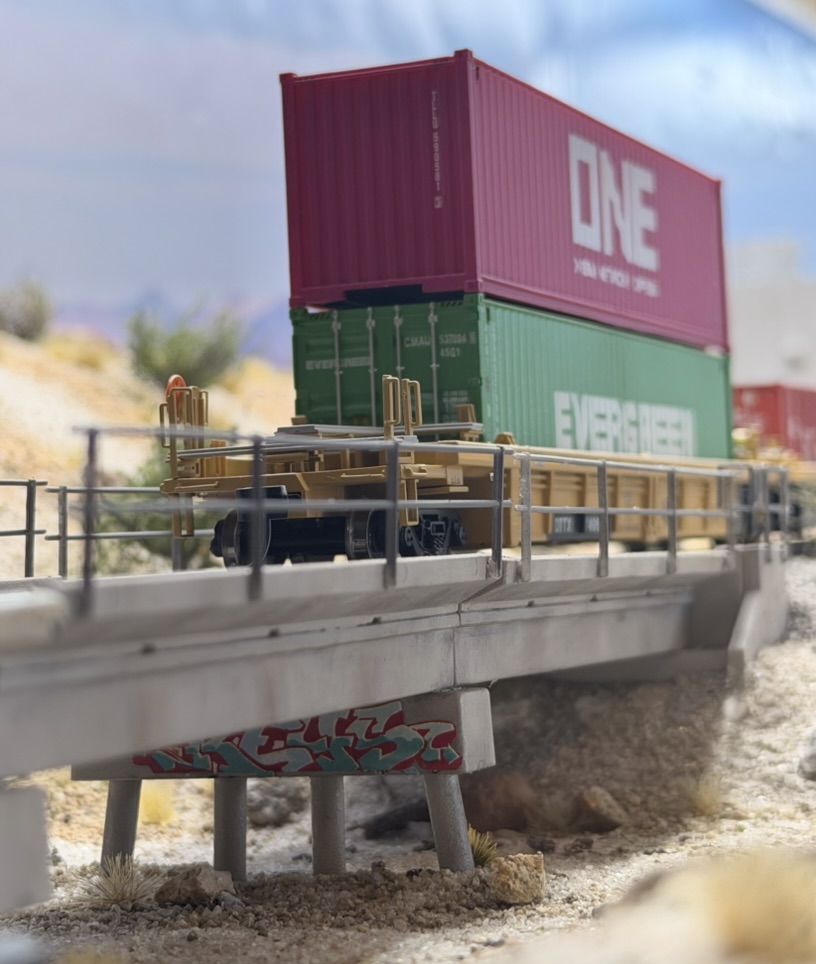
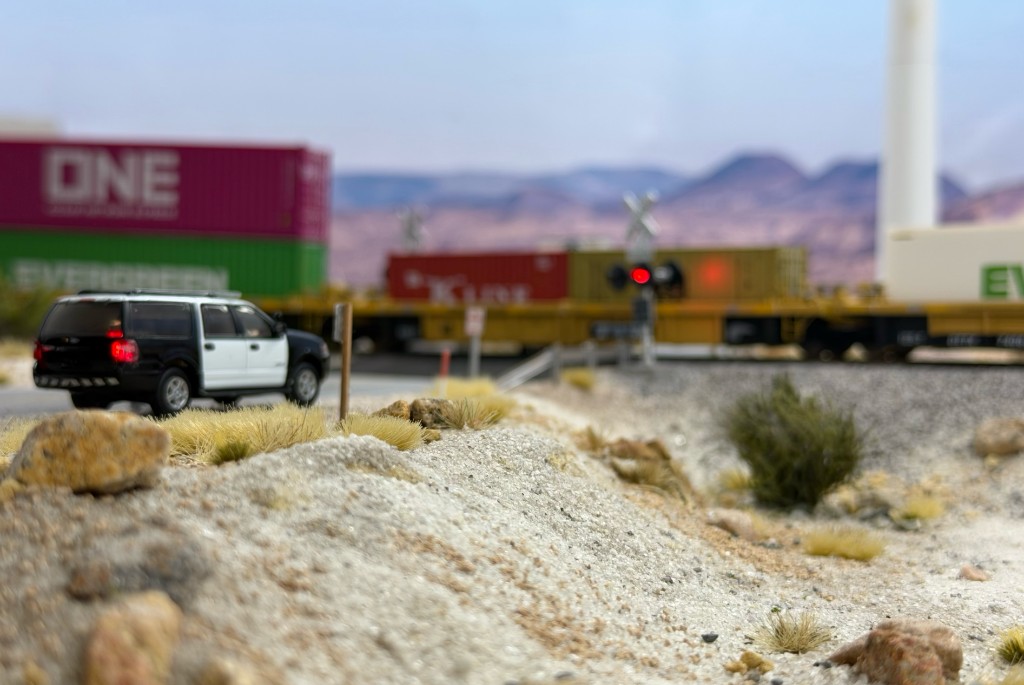
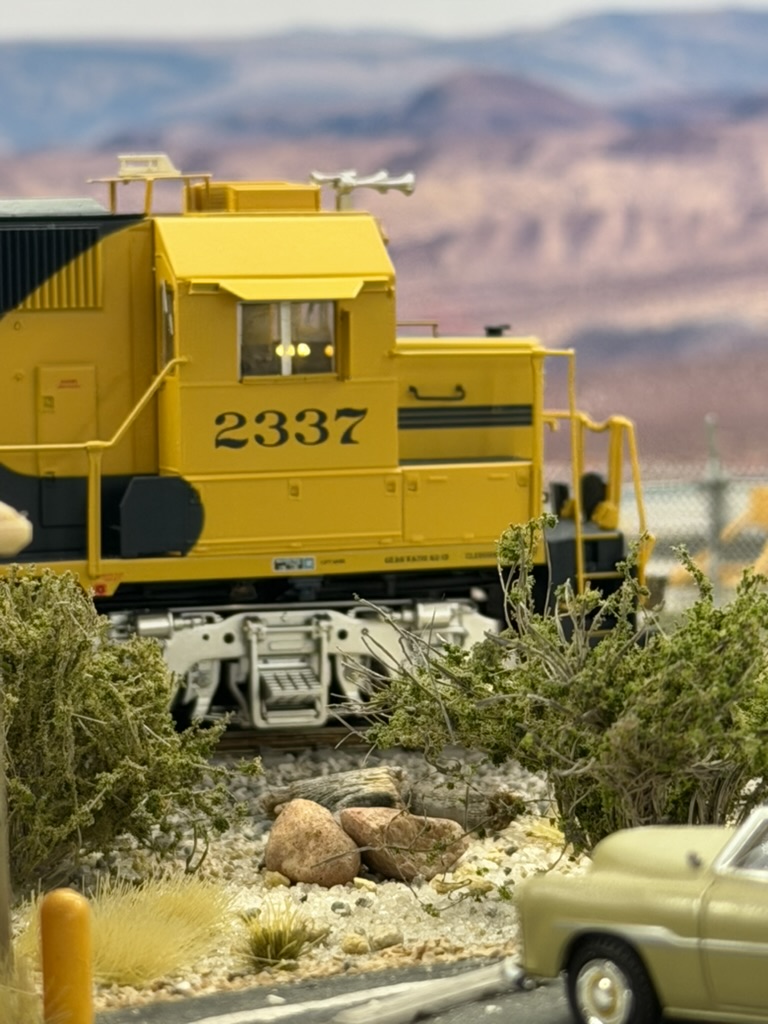
The same attention you put into scenery and track shows up in the app—from the dashboard to session setup.
The home screen keeps your subdivision schematic, industries, and car spots in one view—then jump straight into layout building, rolling stock, or a session with one tap.
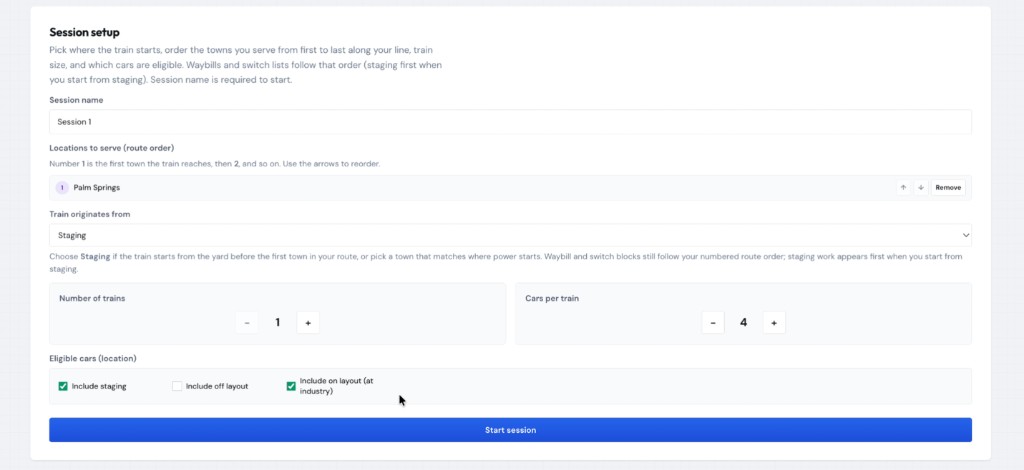
Name the session, order the towns you serve, set train counts and car pools, and choose which cars are eligible—then start generating waybills and switchlists from your roster.
From the first piece of track to the last switch list, the app keeps your railroad organized in one place.
Plan track, turnouts, and staging on a snap grid with zoom and pan.
Define freight customers, car types served, and spots on your subdivision.
Catalog cars with notes, origins, and where they sit on the railroad.
Waybills, switching sheets, and session generation against your roster.
Guided steps for your railroad and answers once you are signed in.
No credit card to try the core workflow — sign in and start on your layout in minutes.
Sign up free. Your layout data stays on this device until you add sync later.
Use Build layout to place track and match your model railroad schematic.
Drop customers on the map, then build your car roster and assignments.
Generate switching work from your roster and operate with clear paperwork.
Same two-part tour as in the app (Help → Play introduction).
Start free. We will add optional paid tiers when sync and team features are ready.
$0 / forever
Coming later
We will not charge for local-only use.